
Connected stack
Northwind Laser
01
Get the right preset, cut order, and operator steps before the first run.
02
Northwind Laser
03
Vertex Labs
04
Orion Forge
GUIDED LASER SETUP
Get job setup guidance, material presets, and power-speed picks in one place. Start free trial with no credit card required.
Connected stack
Get the right preset, cut order, and operator steps before the first run.
Northwind Laser
Vertex Labs
Orion Forge


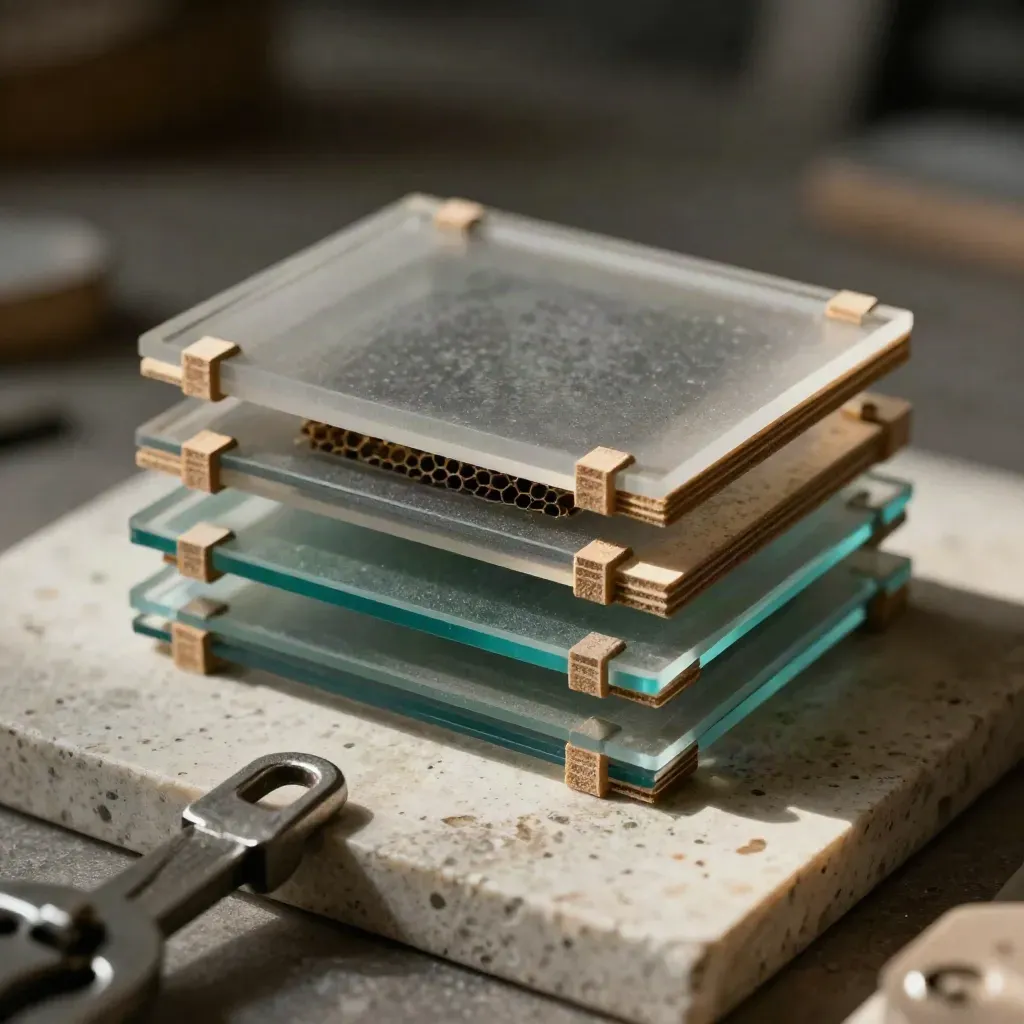
WHY TEAMS USE IT
Step through each job with the right lens, focus, and start point.
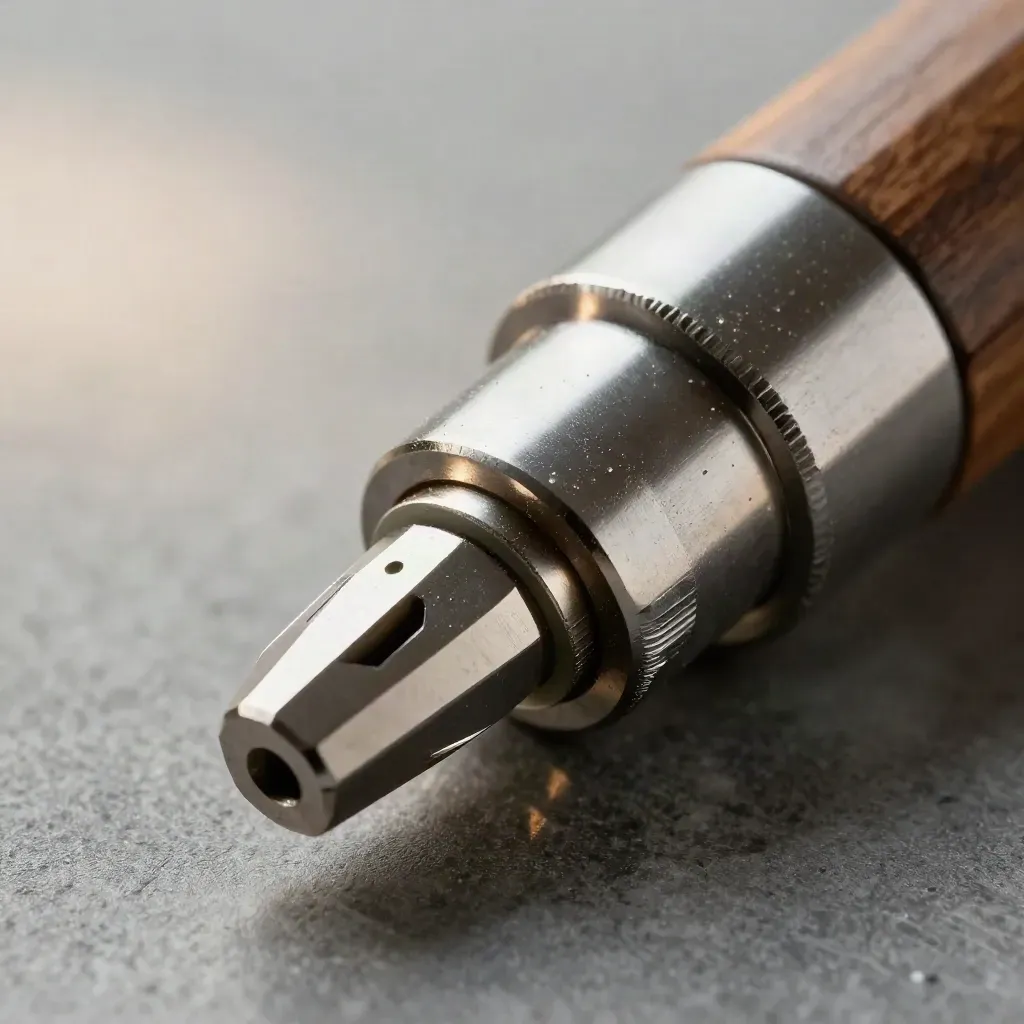
Step through each job with the right lens, focus, and start point.
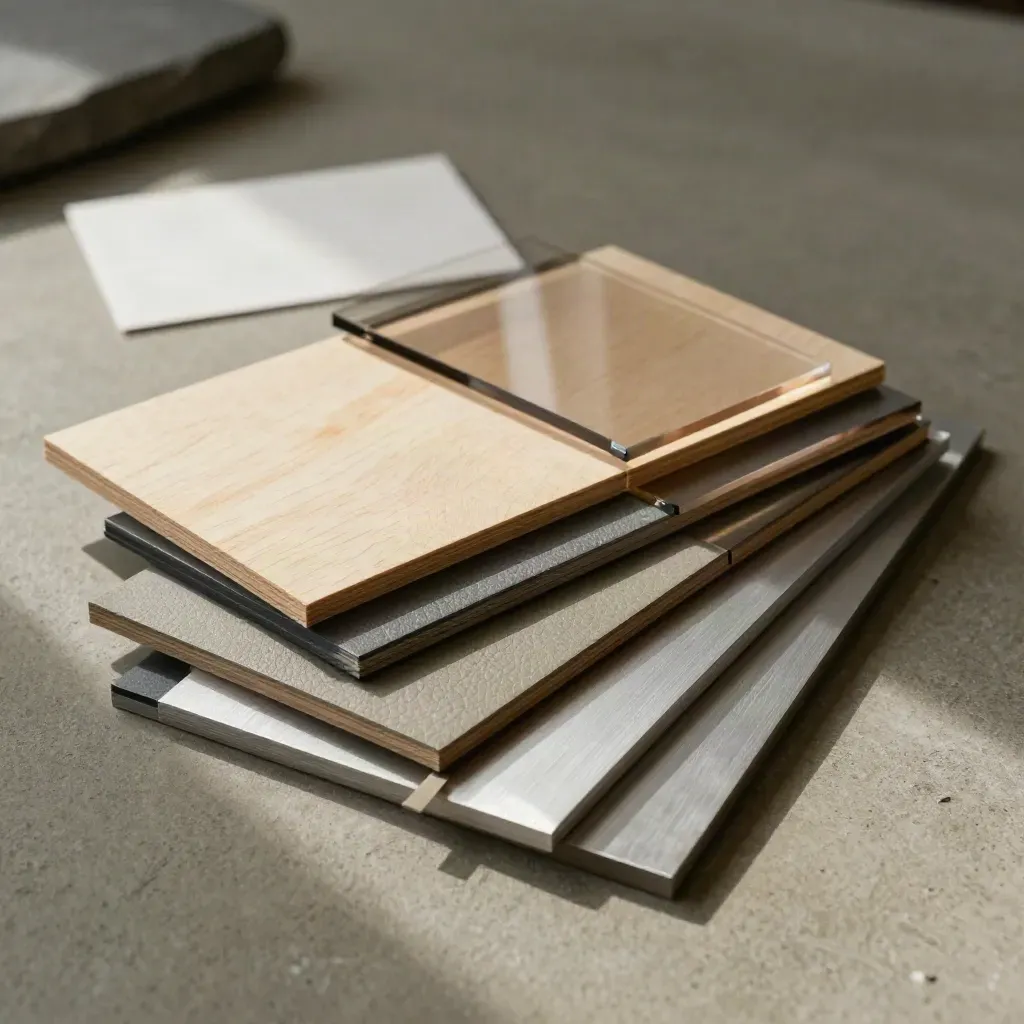
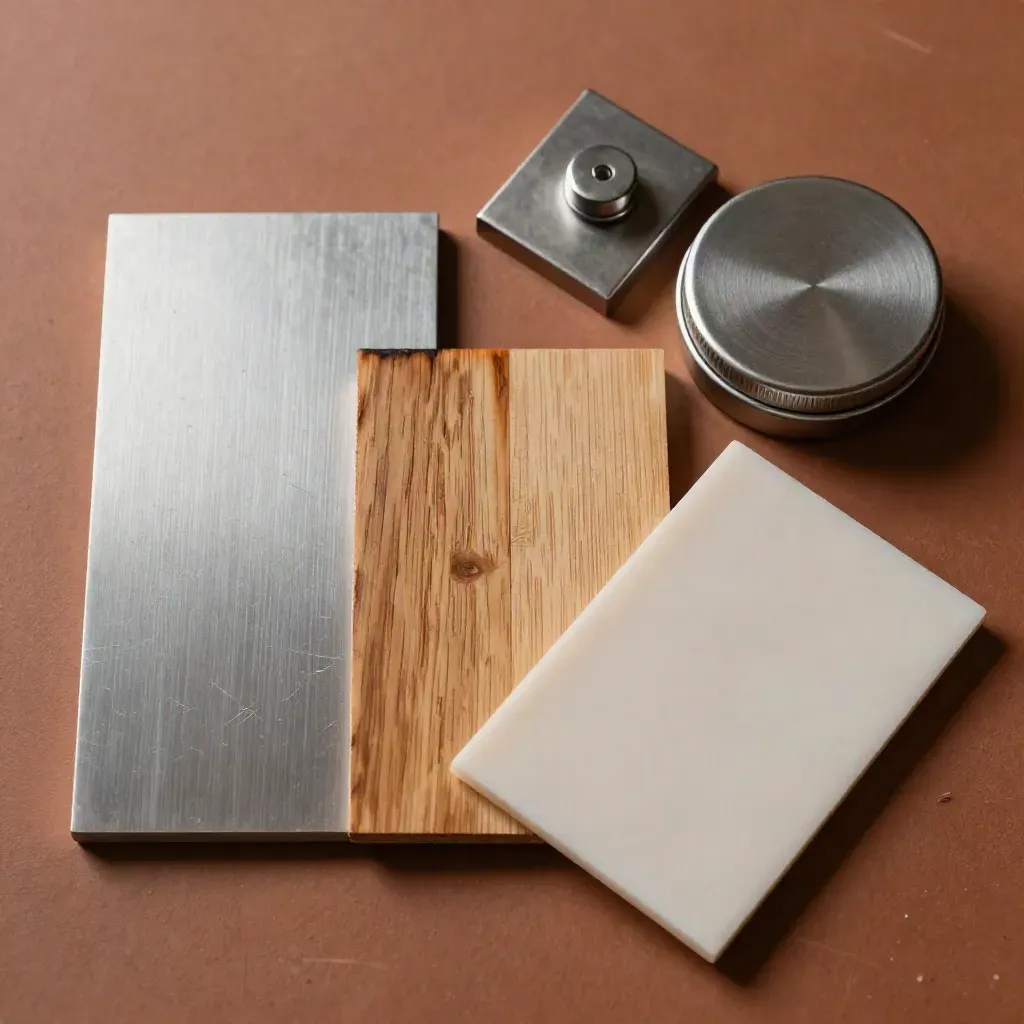
Save machine and material presets for wood, acrylic, leather, and metal.
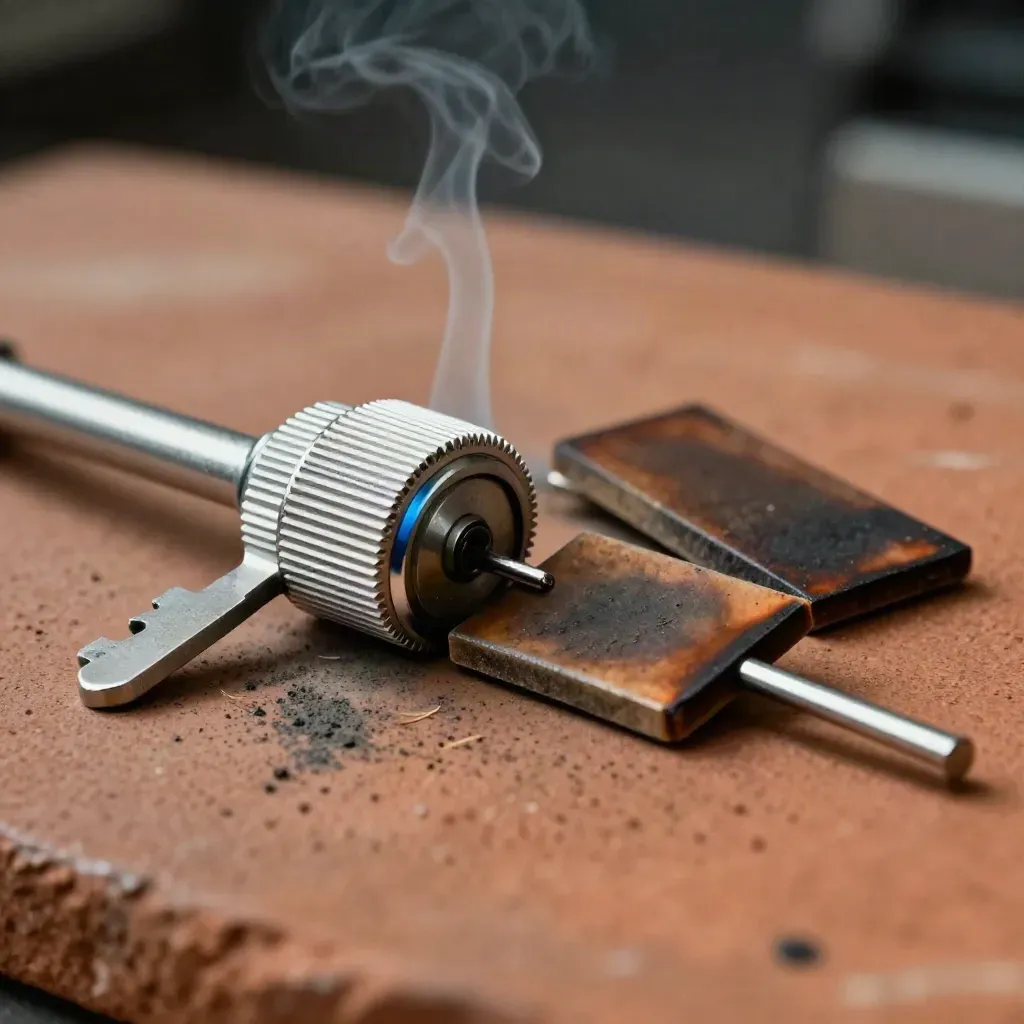
Get clear start values for power, speed, and pass count before you run.
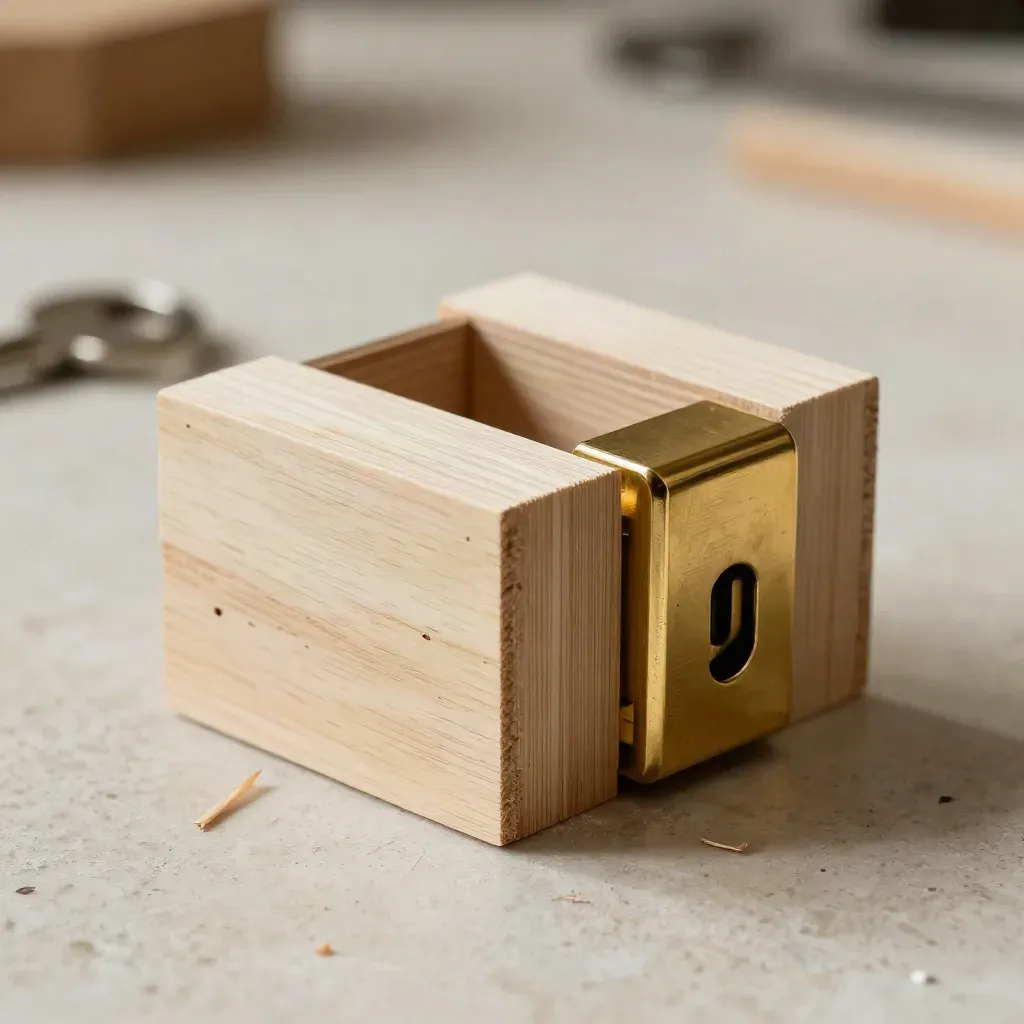
Order cuts and engraving passes to save time and keep edges clean.
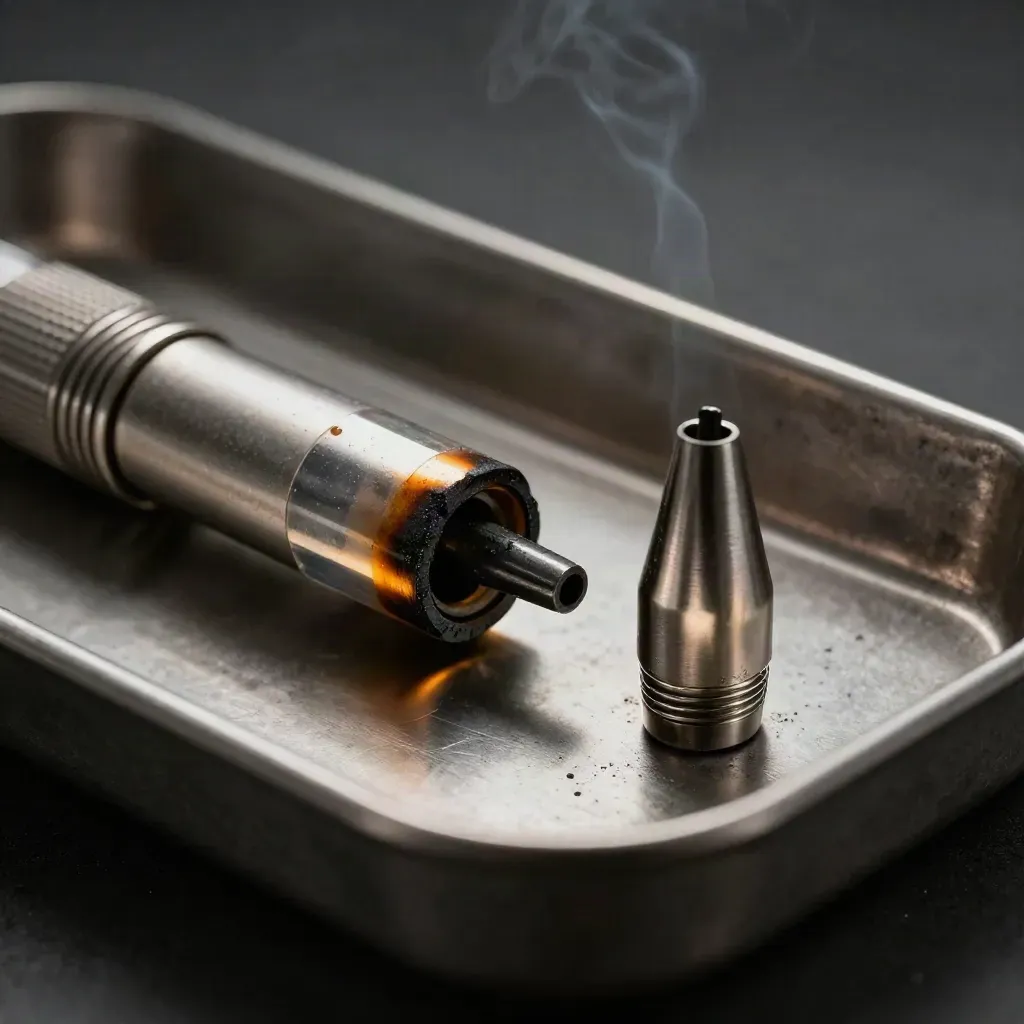
See common faults and quick checks when a job starts to drift.
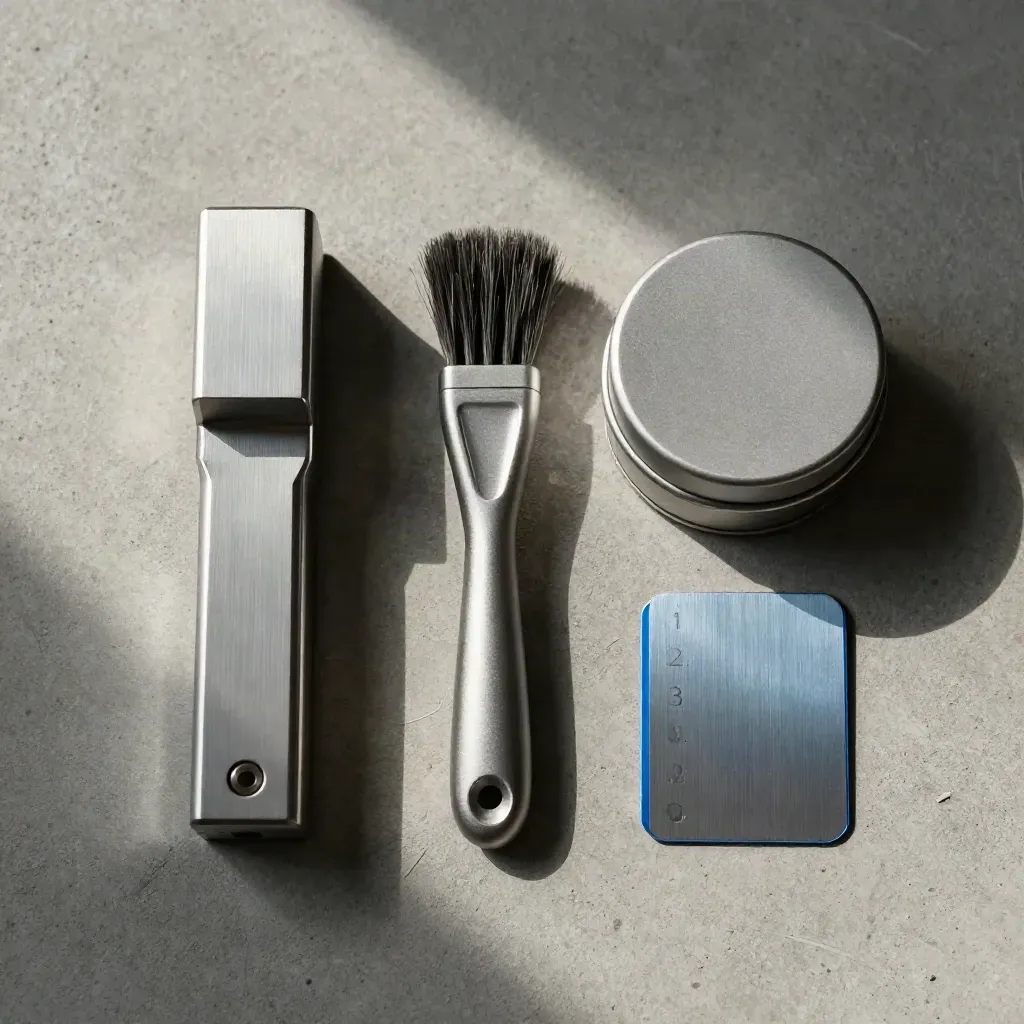
Give every shift the same preflight, run, and finish steps.
WHO IT HELPS
Standardize setups across jobs and keep every shift on the same steps.
Step through each job with the right lens, focus, and start point.
Save machine and material presets for wood, acrylic, leather, and metal.
Get clear start values for power, speed, and pass count before you run.
Order cuts and engraving passes to save time and keep edges clean.

Use case 01
Standardize setups across jobs and keep every shift on the same steps.
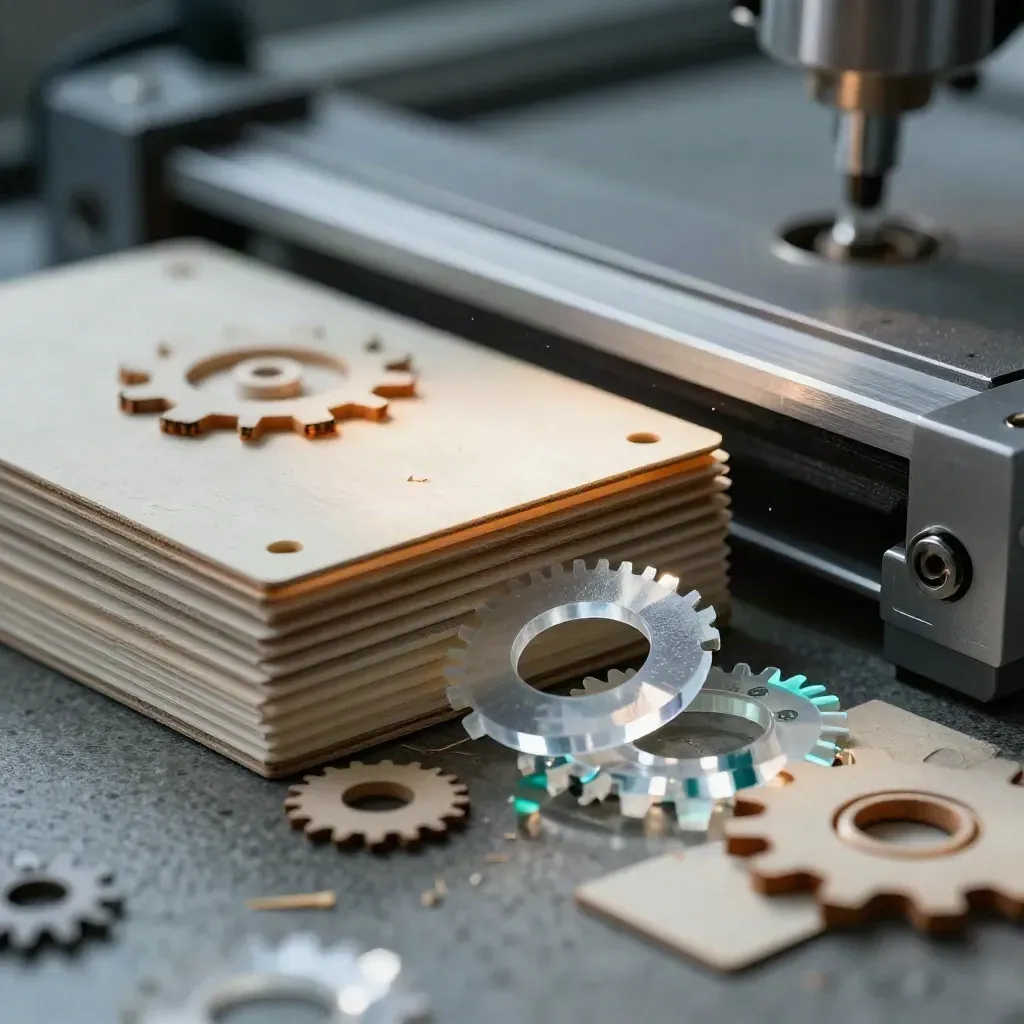
Use case 02
Help members pick safe settings and cut test runs that waste less stock.
Use case 03
Set repeat jobs faster with shared presets, checks, and training notes.
avg setup guidance

avg setup guidance
material presets
less scrap from test cuts
setup guidance
PRICING
10 job setups monthly\nStarter material presets\nBasic power and speed tips\nPrintable operator checklist\nEmail help in 2 days
$0
10 job setups monthly\nStarter material presets\nBasic power and speed tips\nPrintable operator checklist\nEmail help in 2 days
$49
Unlimited job setups\nFull preset library\nCut-path order checks\nTroubleshooting playbook\nShared team checklists\nTraining guides for new hires
Custom
Unlimited seats\nMulti-site preset control\nMachine and material groups\nJob approval rules\nCustom training modules\nPriority launch help
Proof
“We cut new job setup from 20 minutes to 6, and operators trust the steps.”
Dana Holt
Shop Lead @ Alder Laser
“Preset cards keep our laser settings the same from shift to shift.”
Mila Grant
Production Manager @ Northpeak Print
“Training new hires got easier once the checklist lived with the job.”
Jon Reyes
Operations Lead @ Forgeline
Integrations
Get the right preset, cut order, and operator steps before the first run.
Get the right preset, cut order, and operator steps before the first run.
Get the right preset, cut order, and operator steps before the first run.
Get the right preset, cut order, and operator steps before the first run.

Get the right preset, cut order, and operator steps before the first run.
The Map
Questions
Quick answers before visitors choose a product, service, or next step.
It gives setup steps, material presets, power and speed picks, cut-path tips, and operator checklists for laser jobs.
Laser cutter and engraver operators, makers, print shops, and small manufacturers that need faster setup and less scrap.
Yes. Teams can save and reuse job presets, checklist steps, and notes for each machine and material.
Yes. Training guides and checklists help new operators follow the same steps on every job.
No credit card is needed to start the free trial. You can test the main setup flow first.
Yes. Troubleshooting tips point to common causes like focus, power, speed, airflow, and path order.
Get short notes on setup checks, preset ideas, and shop training. One email a week, written for laser operators.